


Description
SPECIFICATIONS
AV-OUT: Need converter
Accessory Type: Power Cable/USB cable/GPS model/Video input cable
Brand Name: AWESAFE
Built-in CD player: No
Built-in DVD Player: Yes
Built-in Screen: No
Category: Combination product
Certification: CE,KC
Chipset: MTK8259/8163 (Optional)
Clio-Year: 2015
Digital Media Format: CD,Mp3,MP4,WMA,JPEG
Din: Double Din
Display Size: 10"
For Vehicle Brands/Model: Renault
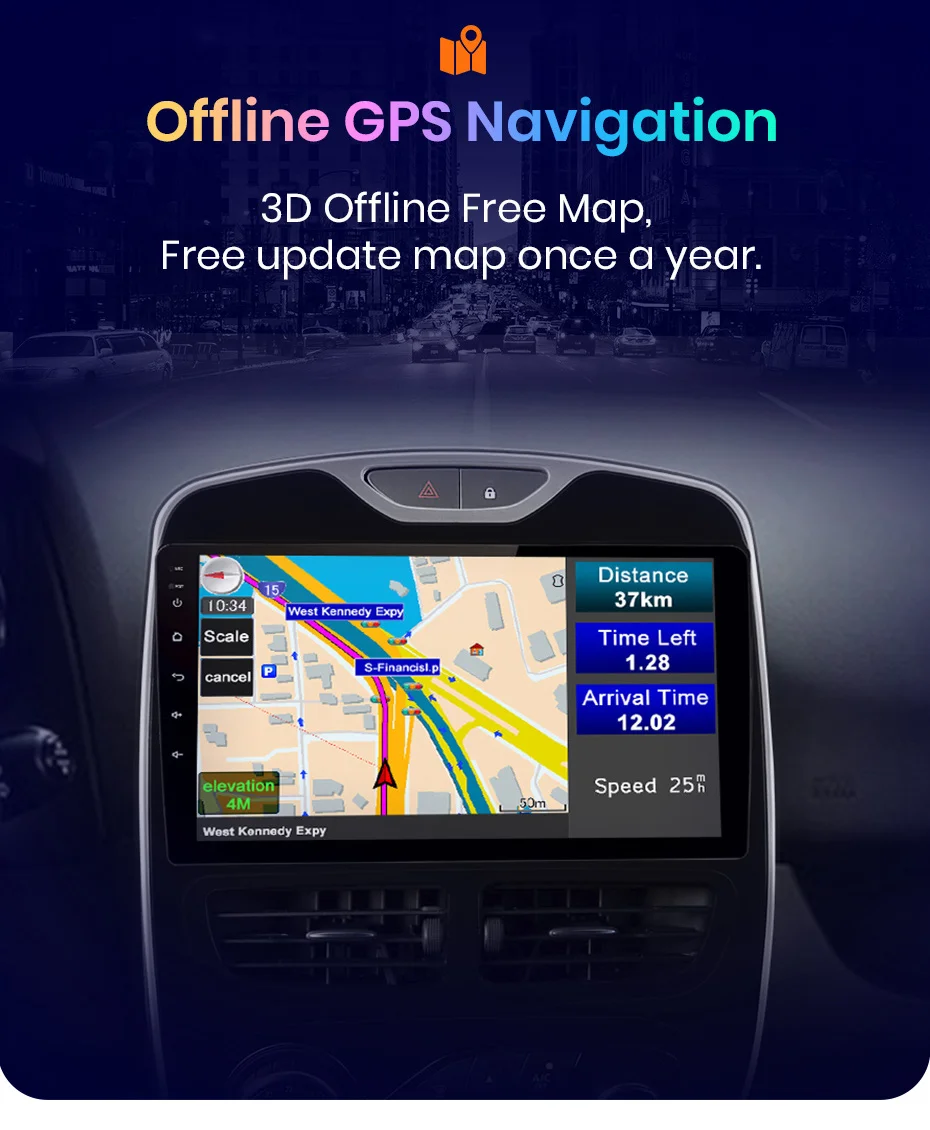
GPS navigation map: Built-in offline map, free update
Interface: USB,RCA
Is touch screen: Yes
Item Size: 10.1inch
Item Weight: 2.5
Material: Composite Material
Max External Memory: 128G
OSD Language: Chinese (Simplified),Chinese (Traditional),albanian,Arabic,Azeri,Irish,ESTONIAN,Belarusian,Icelandic,Polish,Danish,German,Russian,French,Filipino,Finnish,Korean,Dutch,czech,Croatian,Latvian,Lithuanian,Romanian,Norwegian,Portuguese,Japanese,Swedish,Slovak,Slovenian,THAI,Turkish,Ukrainian,Hebrew,Spanish,hungarian,Italian,English
Online Radio: Search multiple channel (Optional)
Operating System: Android 12
Origin: Mainland China
Original radar displaying: Support for Renault Clio 4 2012 - 2019
Out Power: 4*45W
Preset Station: Set by yourself
Processor Speed: 1.6Ghz
Processor Type: AMP7388
RAM: 1g
RDS: Support for Renault Clio 4 2012 - 2019
ROM: 128G
Remote control car radio: By "Junsun Online" APP
Renault Model: CLIO
Resolution: 1280*720P IPS (Optional)
Service Worry-Free: 24H*7 service supporting
Shipping Worry-Free: Within 48 hours business time
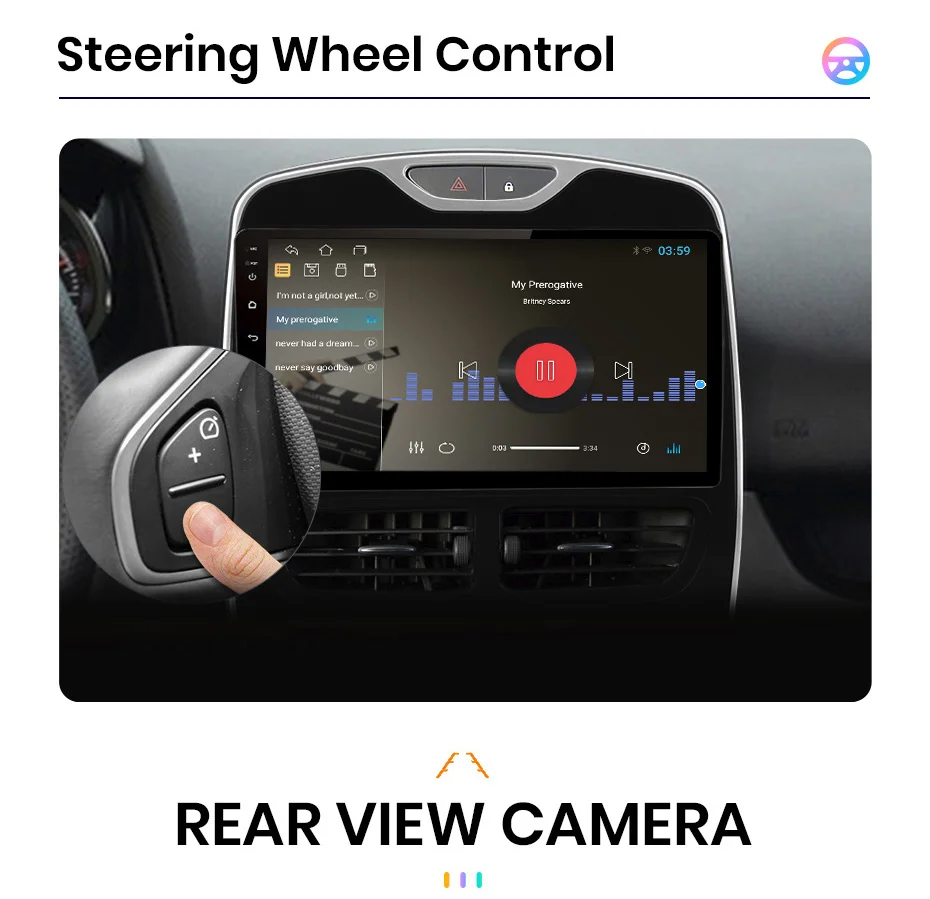
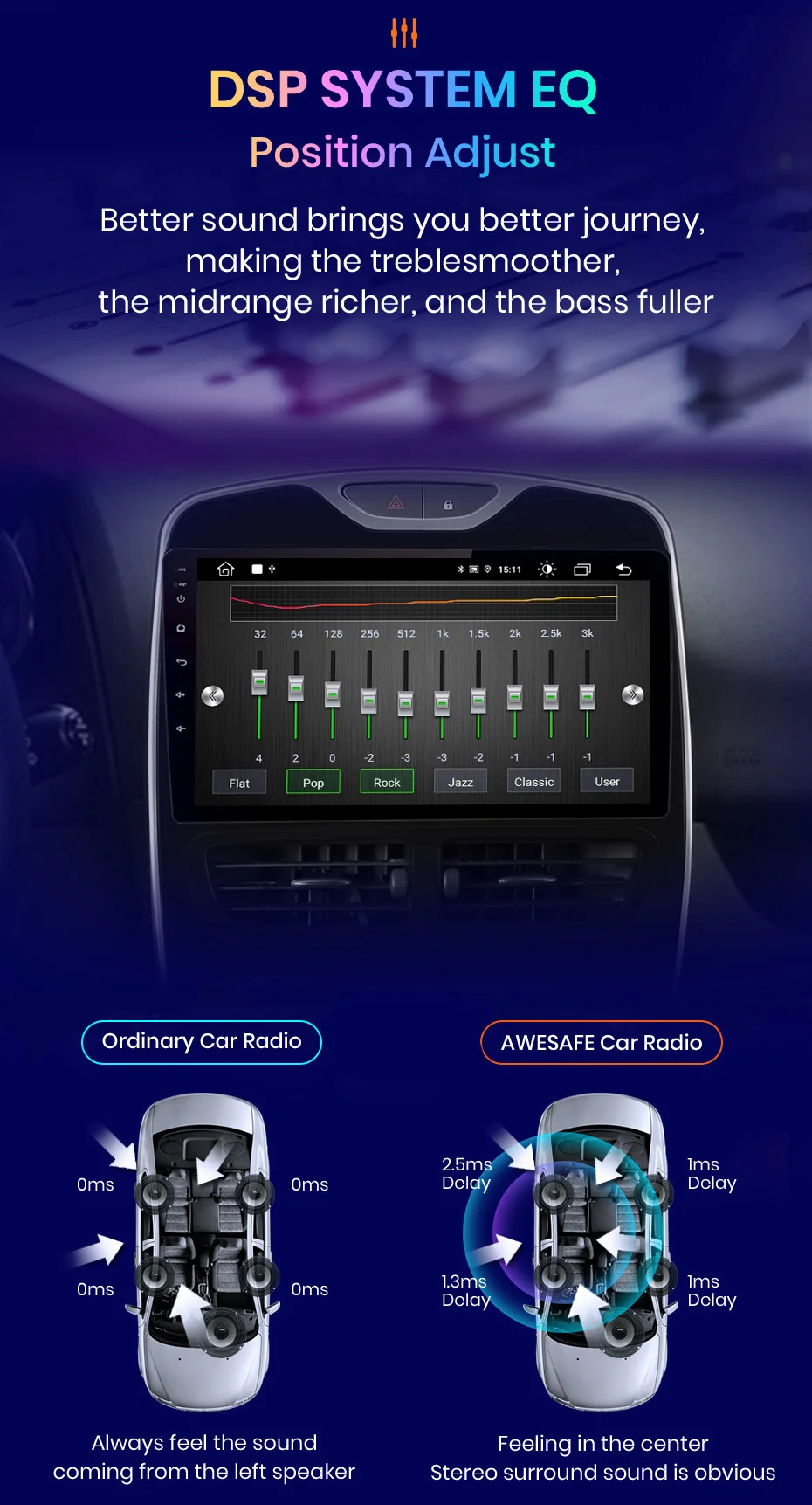
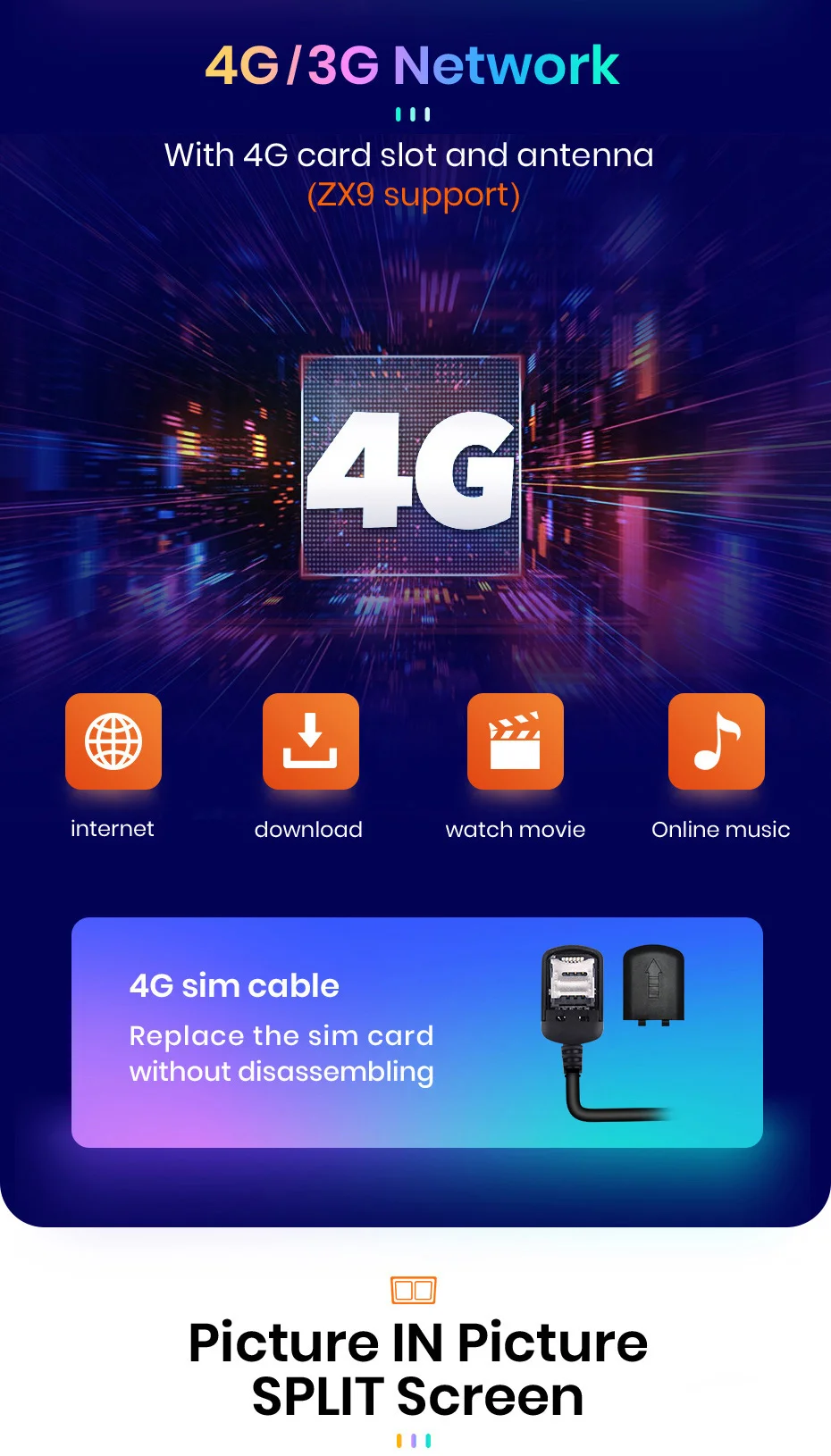
Special Features: Built-In Speaker/Microphone,wifi function,Support steering wheel control,Support 3G Network,Support 4G Network,Support Can-Bus,Built-in GPS,Mobile Phone,MP3 players,dsp,CarPlay,android auto,Split Screen,Remote Controller Included
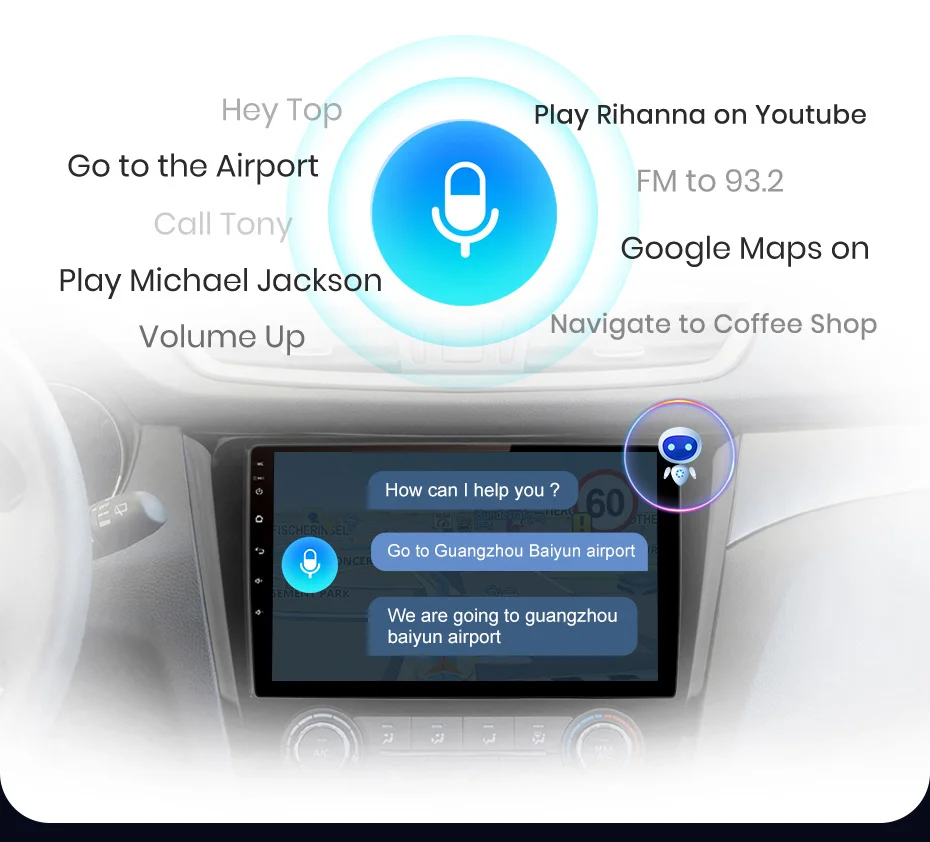
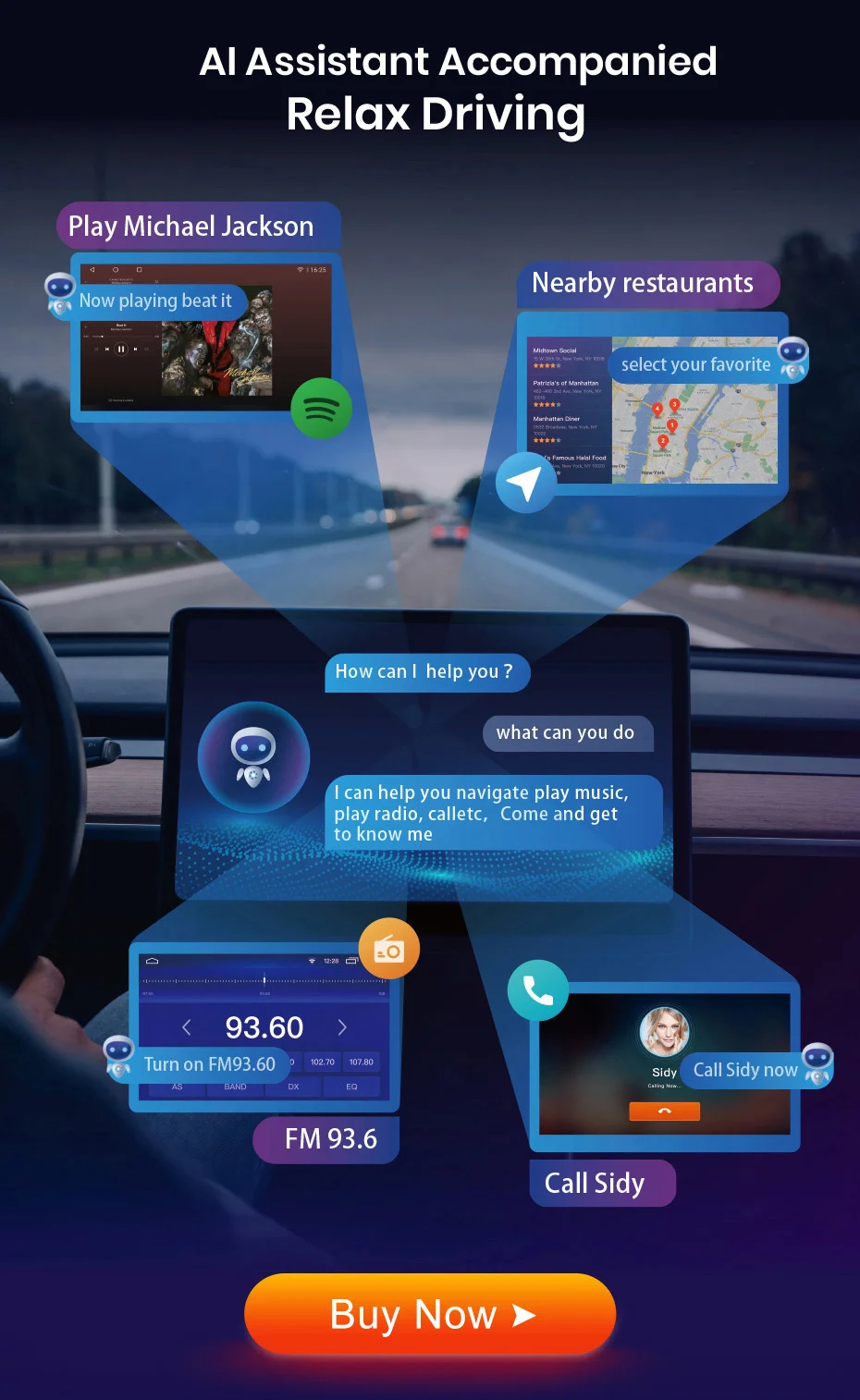
Support AI voice control: Allow you to make phone calls, navigate, play music... (Optional)
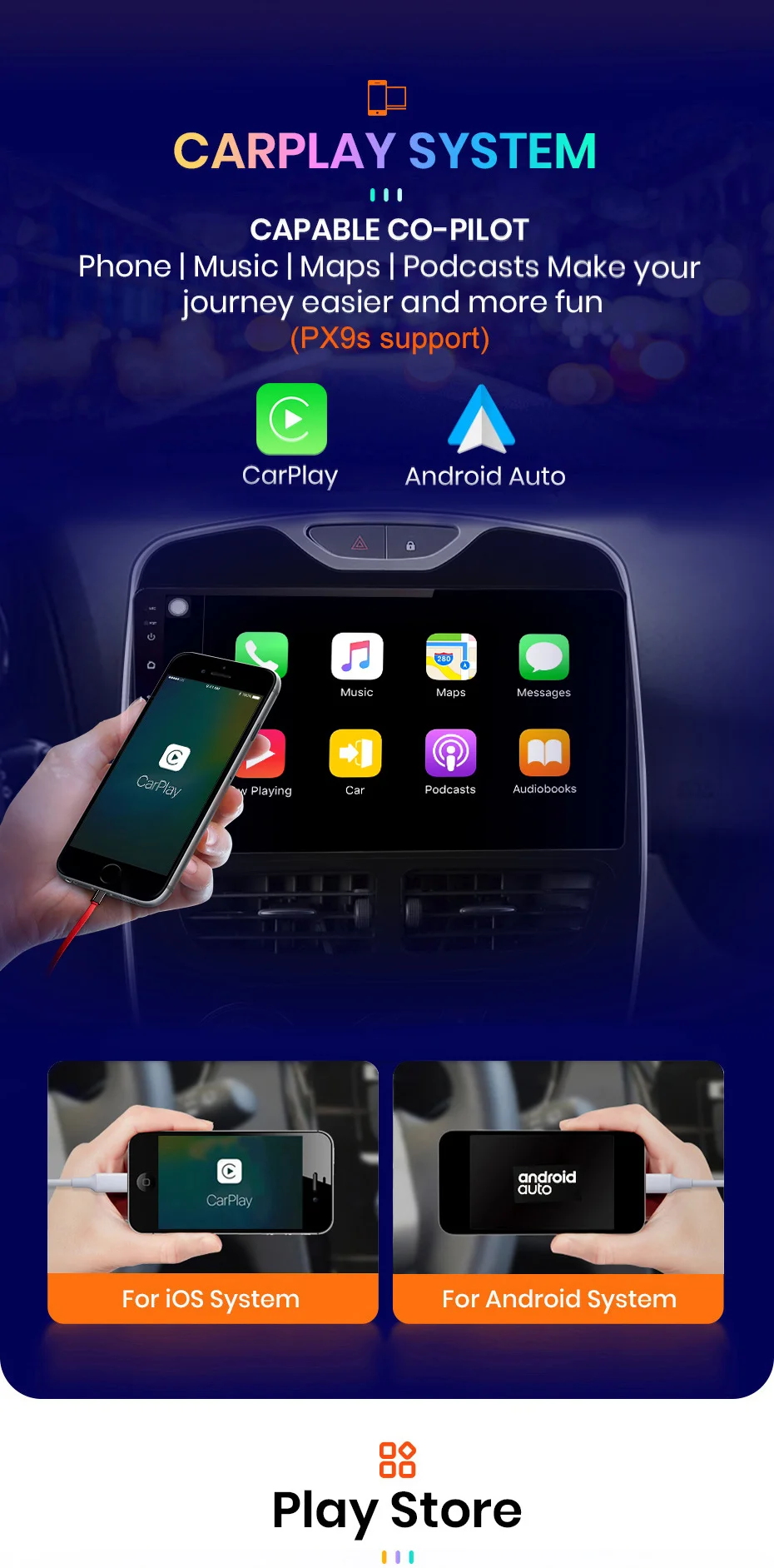
Support Wireless Android Auto/ CarPlay: Sync phone to Radio (Optional)
Support for Netflix: Support apk installation
TF/Micro SD Slot: 2
Tuner Type: 4745/MT6625N
Voltage: 12 V
Warranty: 2 Years
Warranty Worry-Free: 2 Years warranty
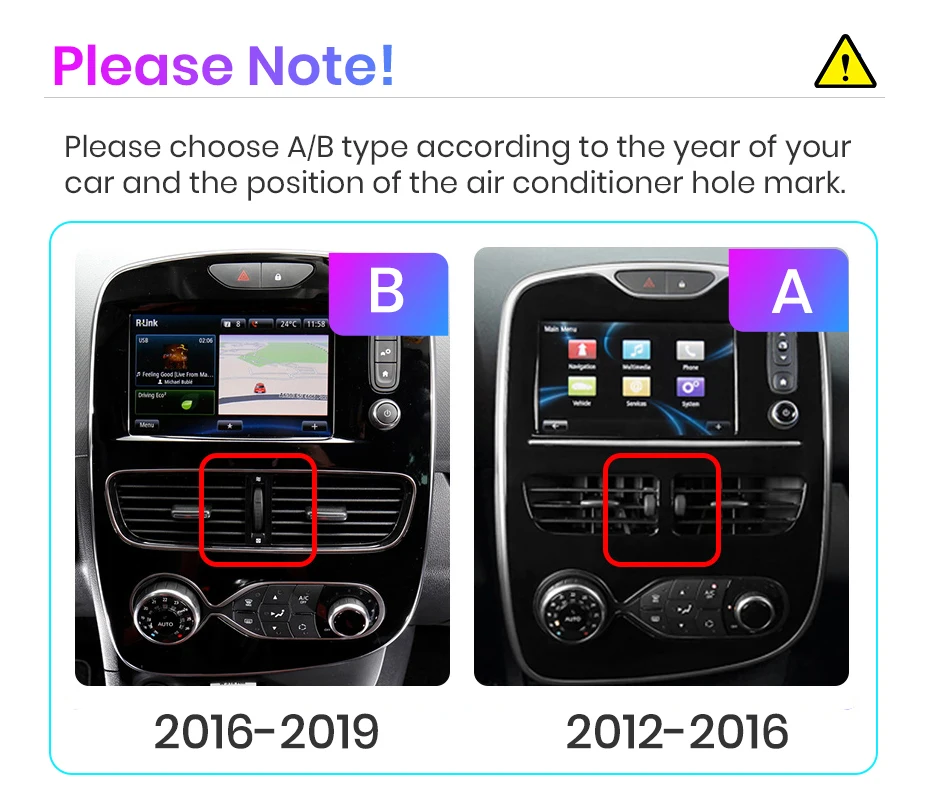
Warning message:
1.If the original car supports the BOSE sound system, which is not supported, please do not purchase it
2.If your original car supports reverse radar, please contact customer service to purchase the appropriate cable3.If your original car interface is the same as the picture below, it is not suitable. Please contact customer service to purchase a suitable cable.
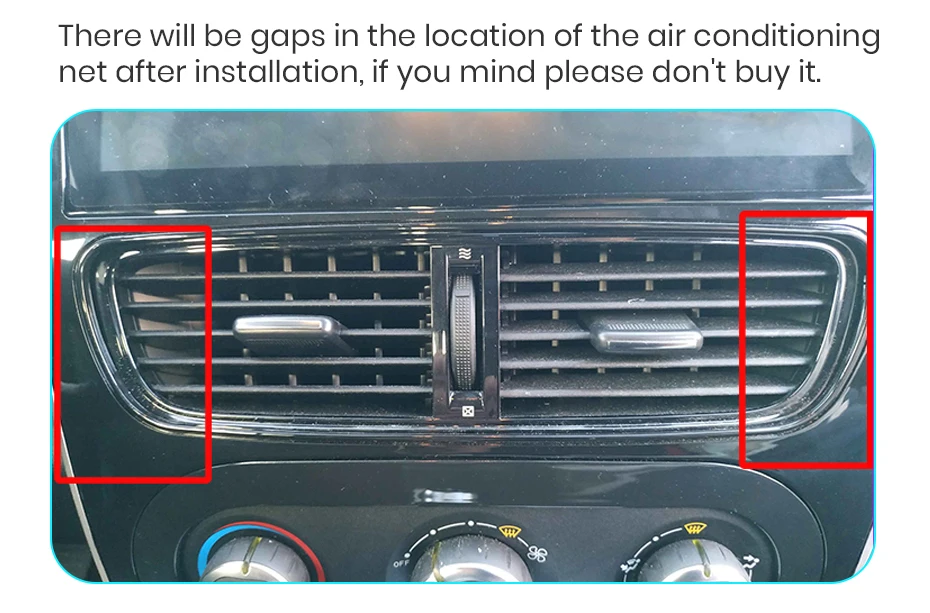
4.The style of your car center console is "B" and the interface on the back of the original car radio is the same as the following picture. The power cable configured by the seller is incompatible. Please do not buy it. If you insist on buying it, please contact online customer service. The seller can provide Paid service, the corresponding power cable sales price is 28 euros.

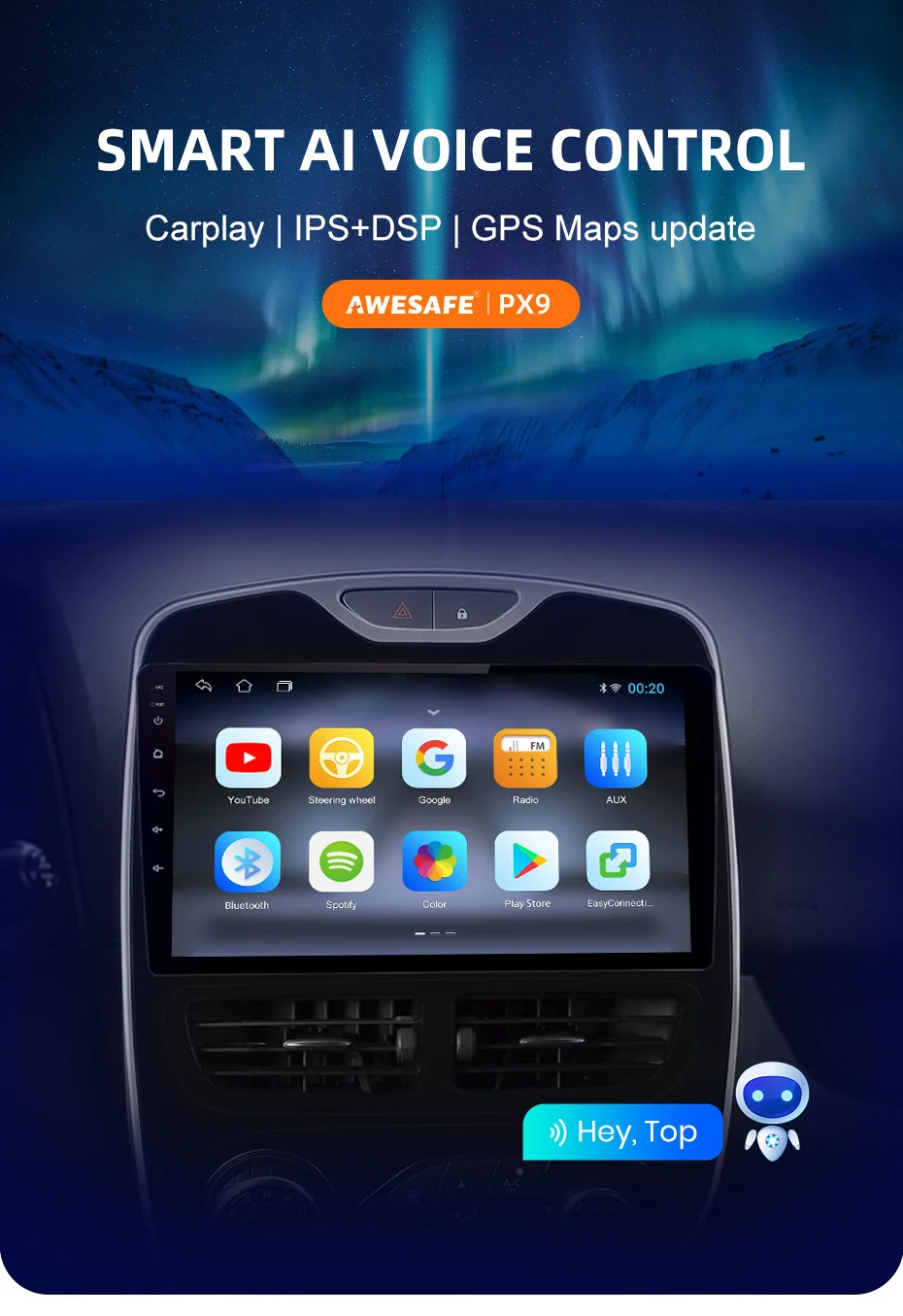
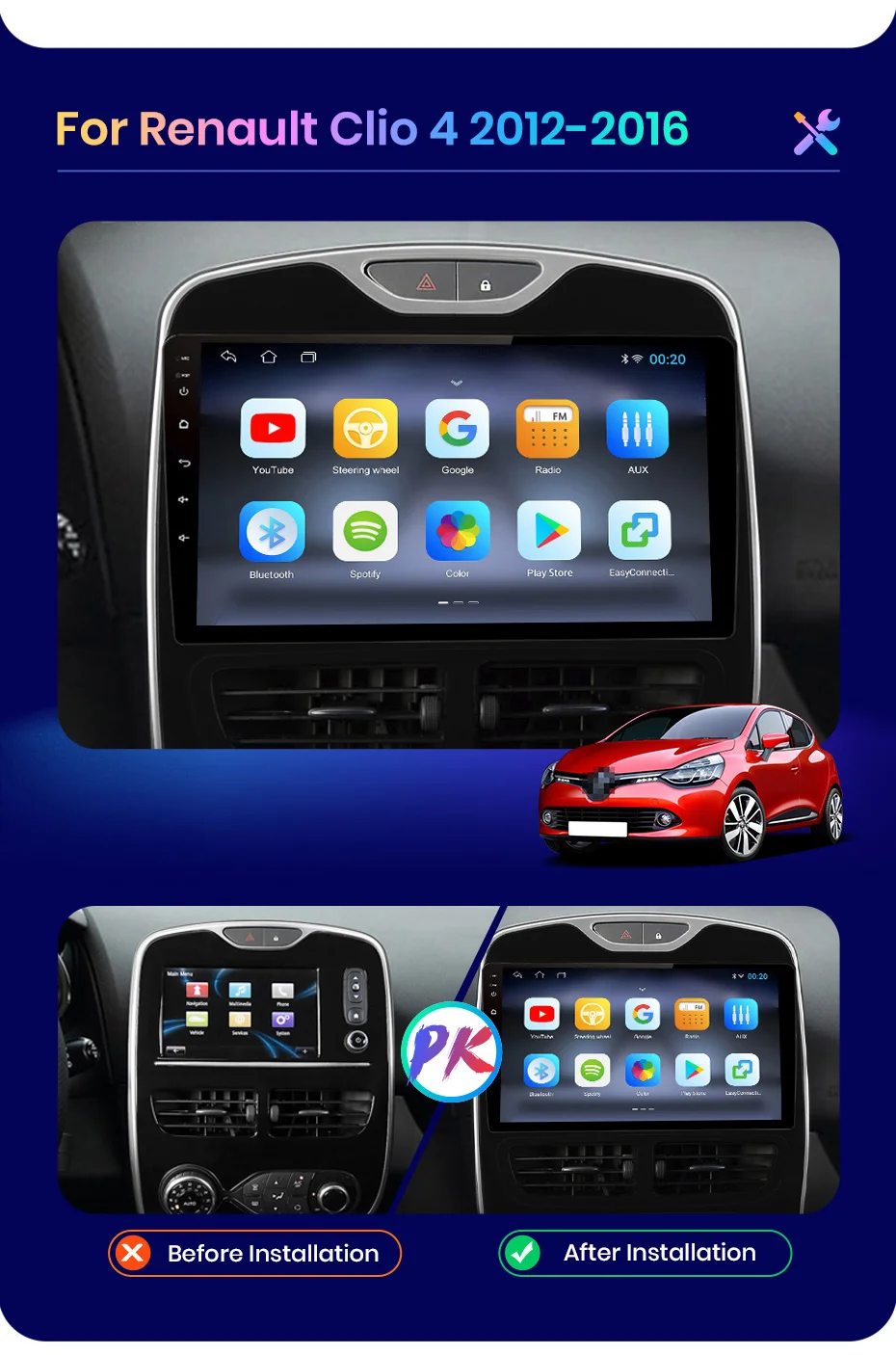
PX9/ PX9S / PX9Spro radio for Renault Clio 4 2012-2016
PX9/ PX9S / PX9Spro radio for Renault Clio 4 2012-2016
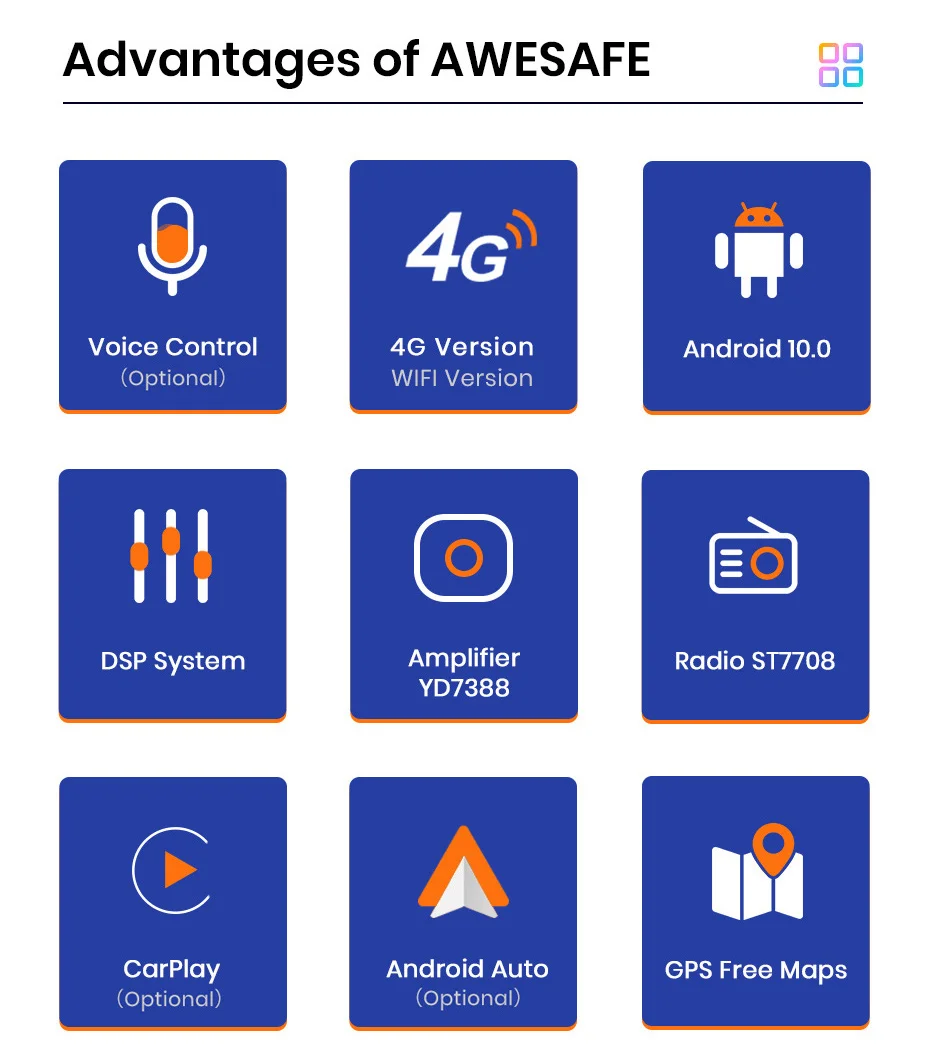
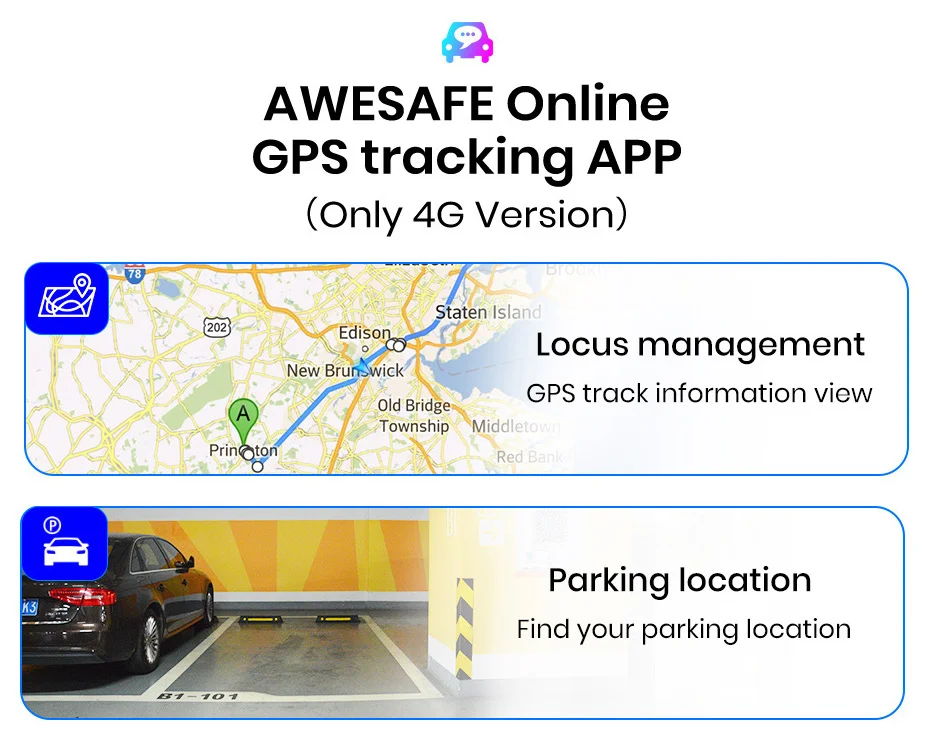
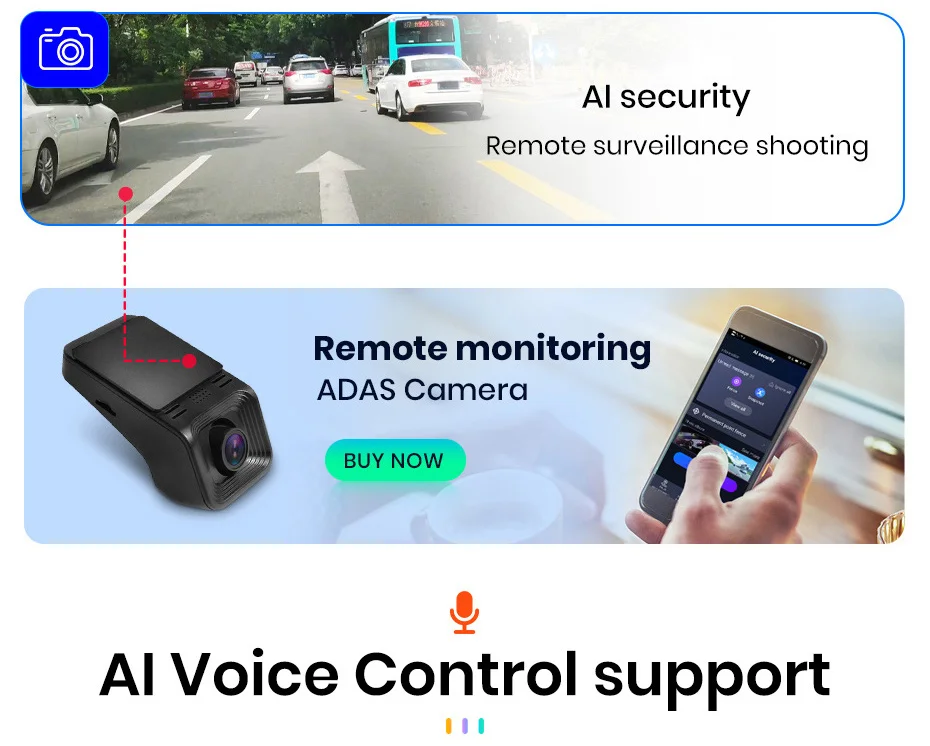
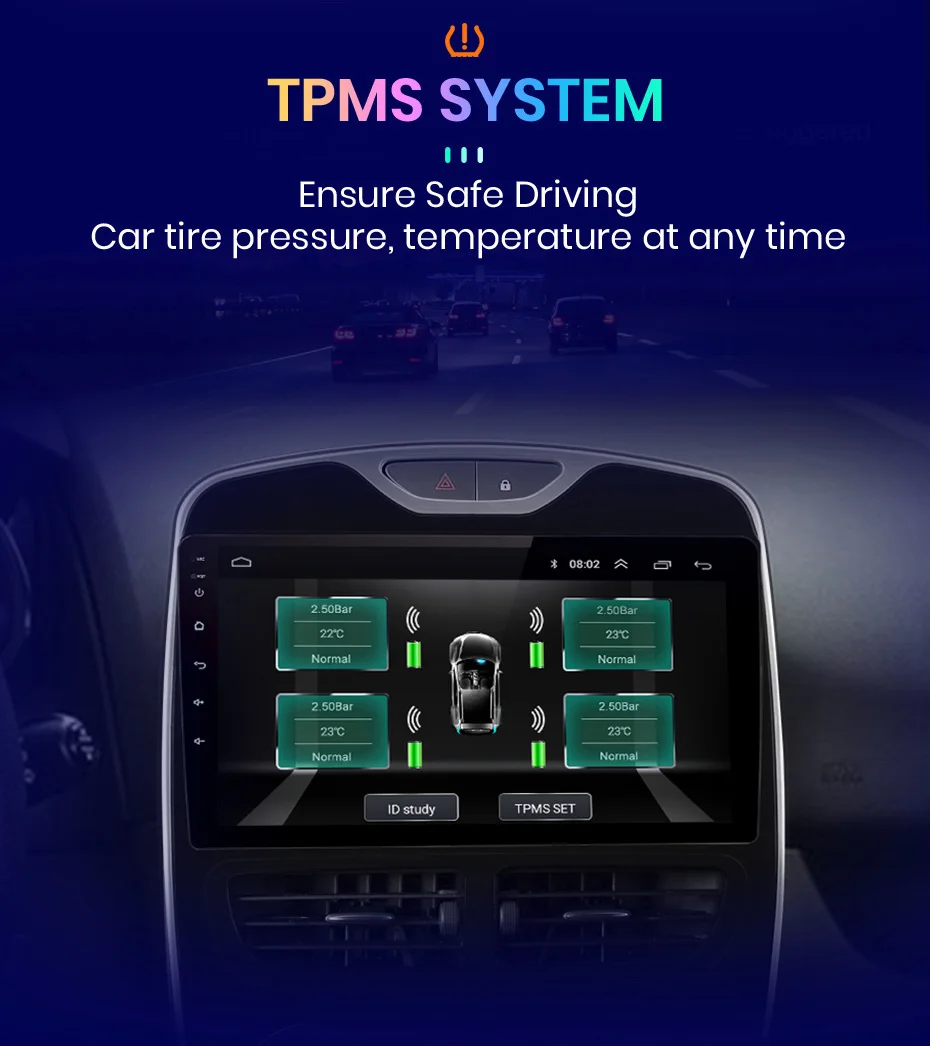
> Support Android 11.0+ QLED+CarPlay/Android AutoS / PX9(PX9S / PX9Spro supports wireless carplay)+built-in 4G internet (Options)+ GPS Navigation (Free Map Update) + Steering Wheel Control + Mirror Link + DSP 48EQ + Split Screen Display + Bluetooth 5.0 Compatible + Built-in Microphone + FM / AM + RDS + USB DVR ADAS Support + Europe DAB Function Support + 1080P Video Playback + HD 1024 * 600 + Tire Pressure Monitoring System + Support Voice Control (need to buy) + GPS tracking function (need to buy).
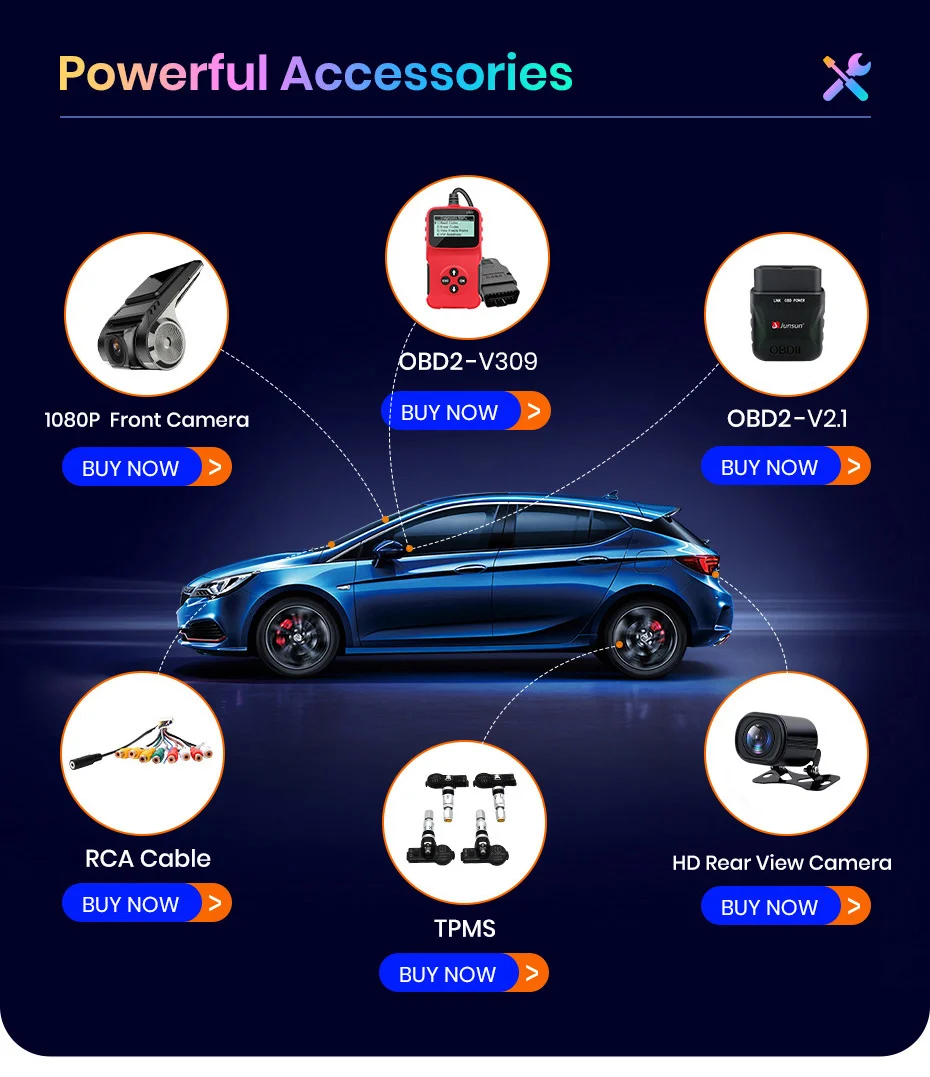
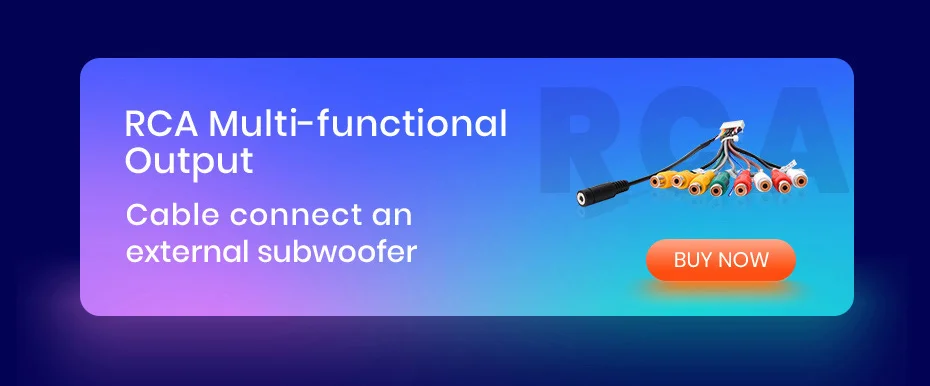
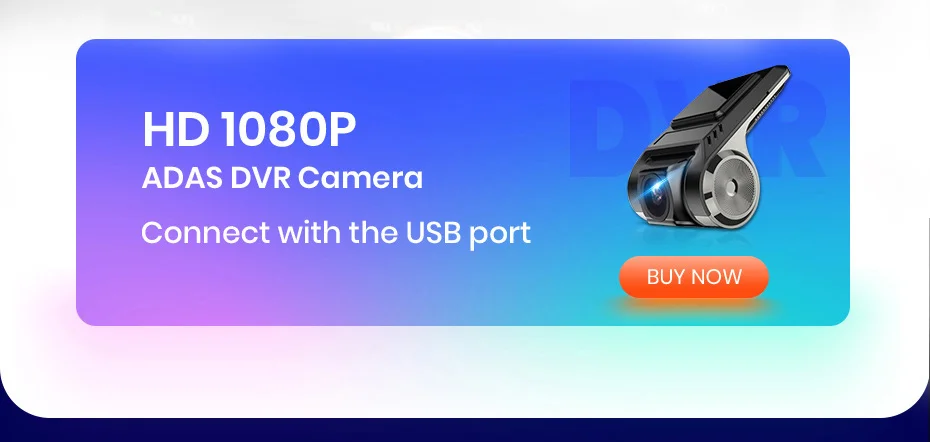
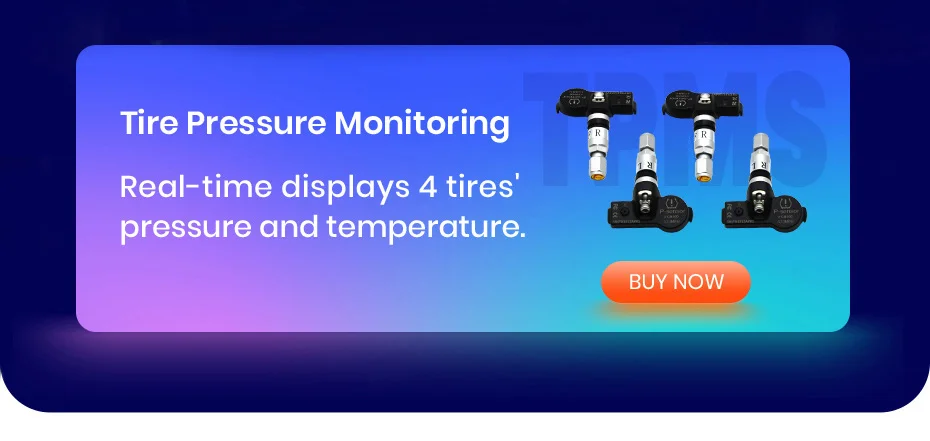
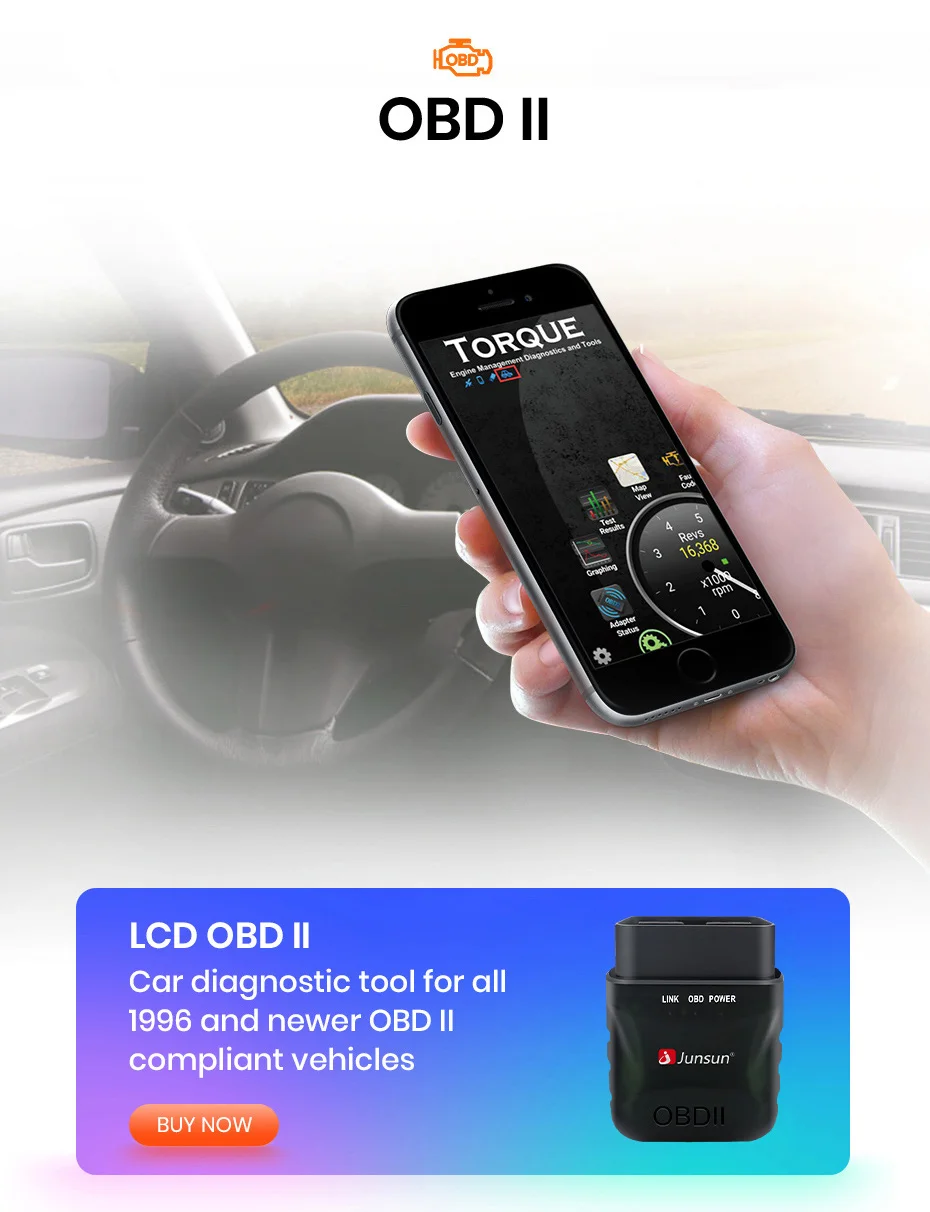
> Optional functional hardware: ADAS DVR camera, tire pressure monitoring, OBD2, external microphone, RCA cable.
> Benefits: Same Day Issue/15 Days Free Return/2 Years Warranty Policy.

Reduce manual screen touchin during driving,
interesting interaction
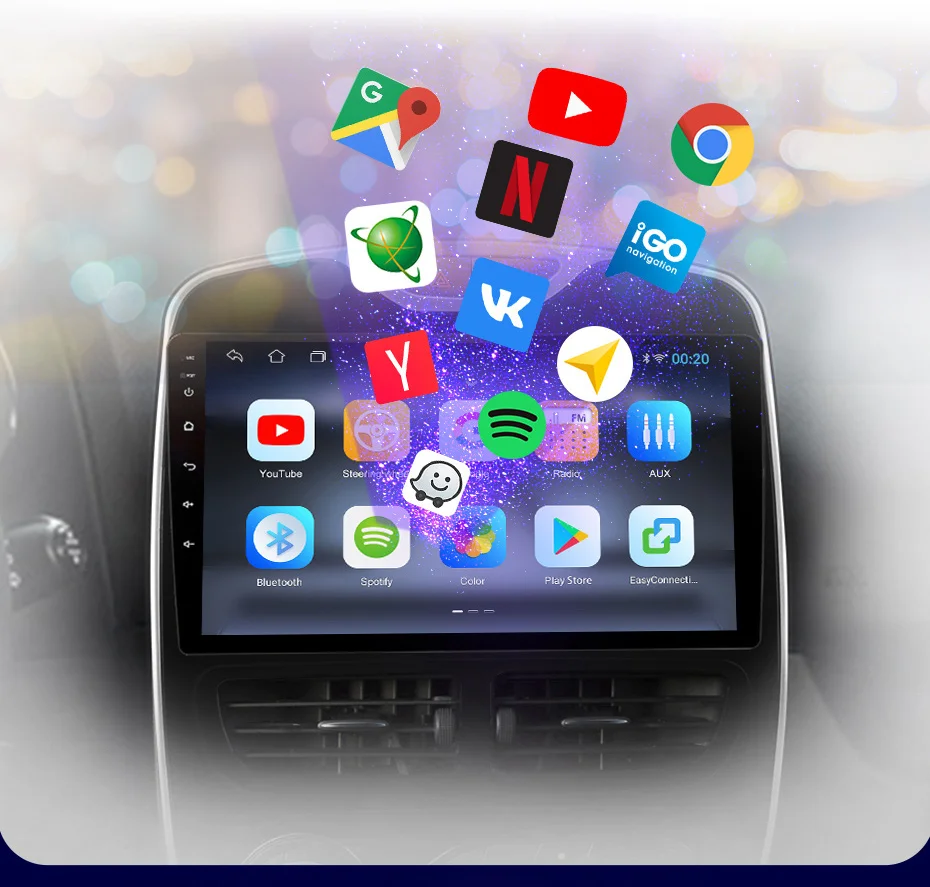
YouTube, VK, Twitter, Skype, Facebook, Messenger, Linkedln,
Navitel, IGO Navigation, Spotify, Yandex, Yandex Map,
Waze, Google, Google Map, Netflix, Instagram
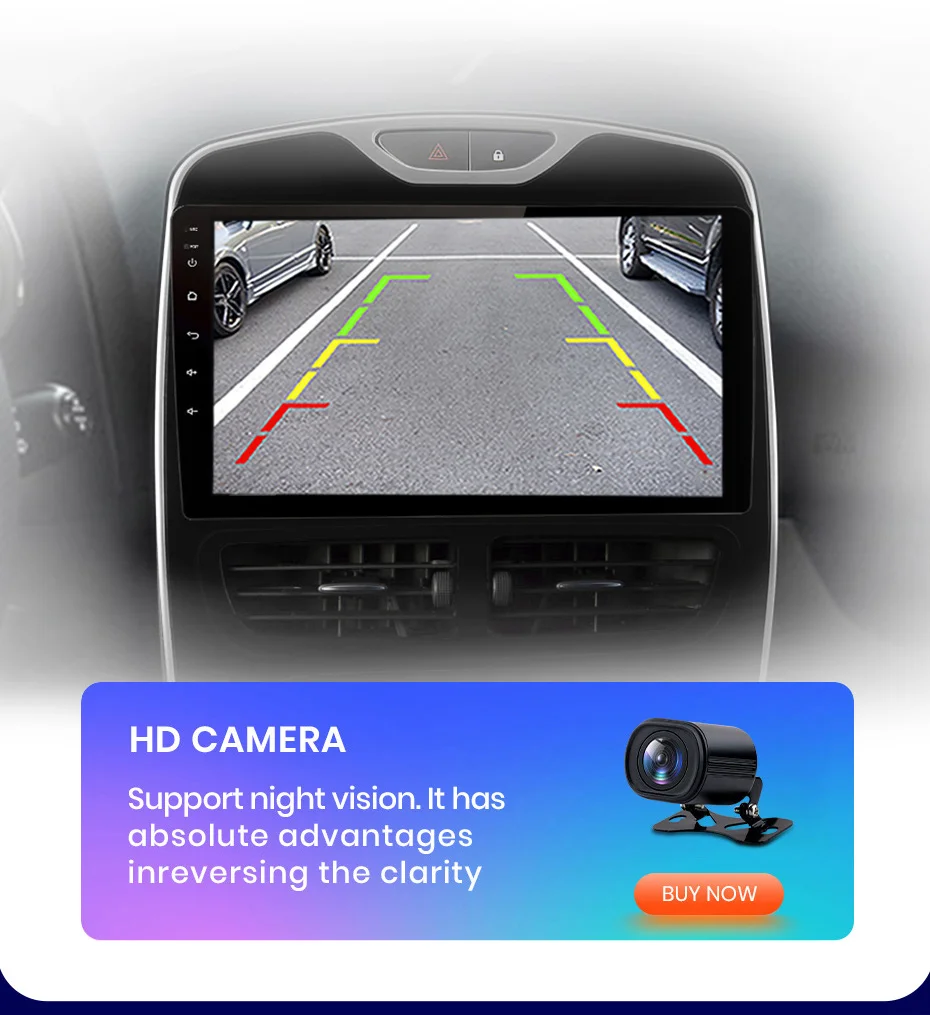
When the car shifts into reverse, the screen will switch to the rear view with parking lines automatically, help you to back up or park the car.
(The rear camera in the picture below is optional and better than normal.)
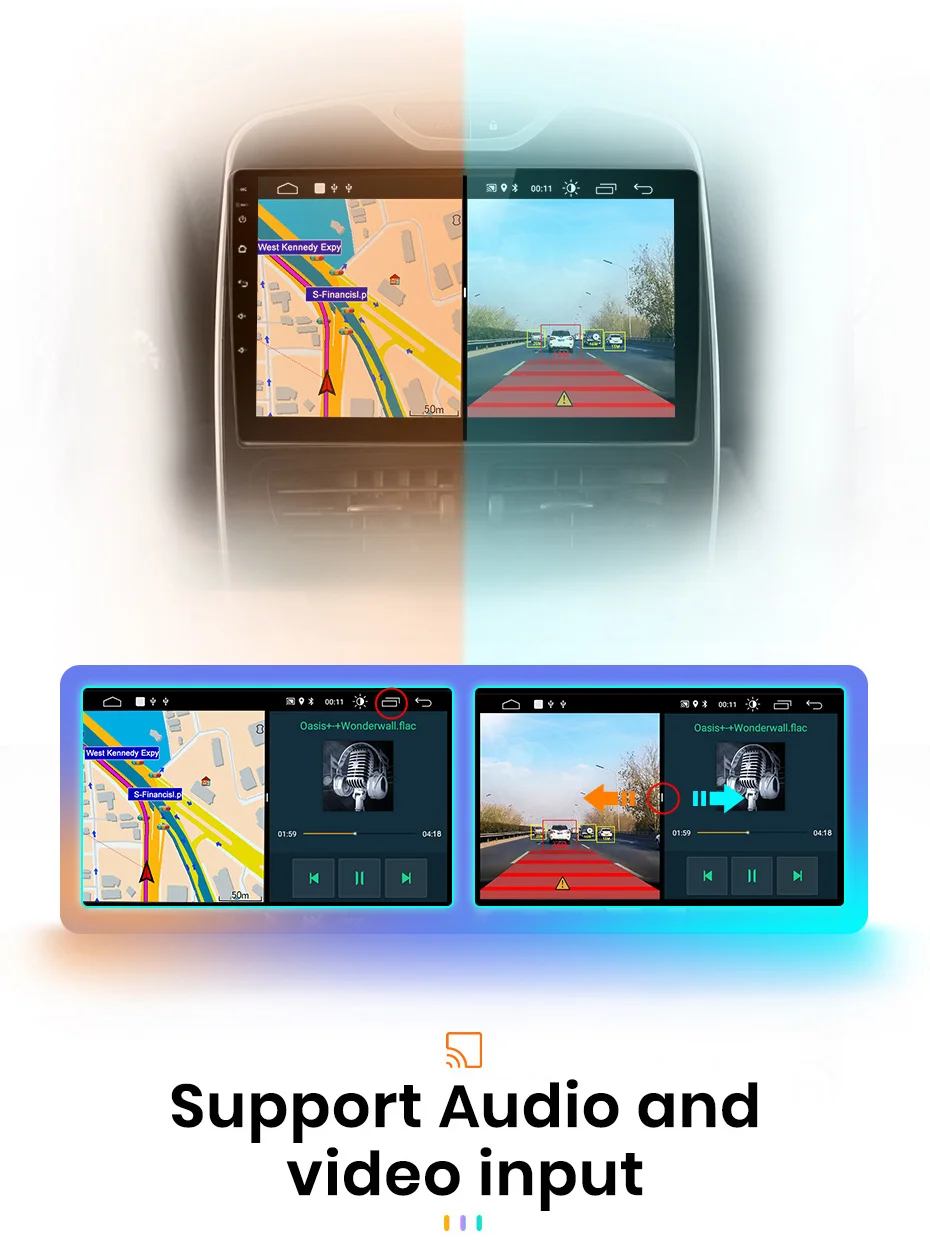
You can use navigate and other applications at the same time, such as listening to music or turning on ADAS functions ect.
Support up to 2TB hard- disk
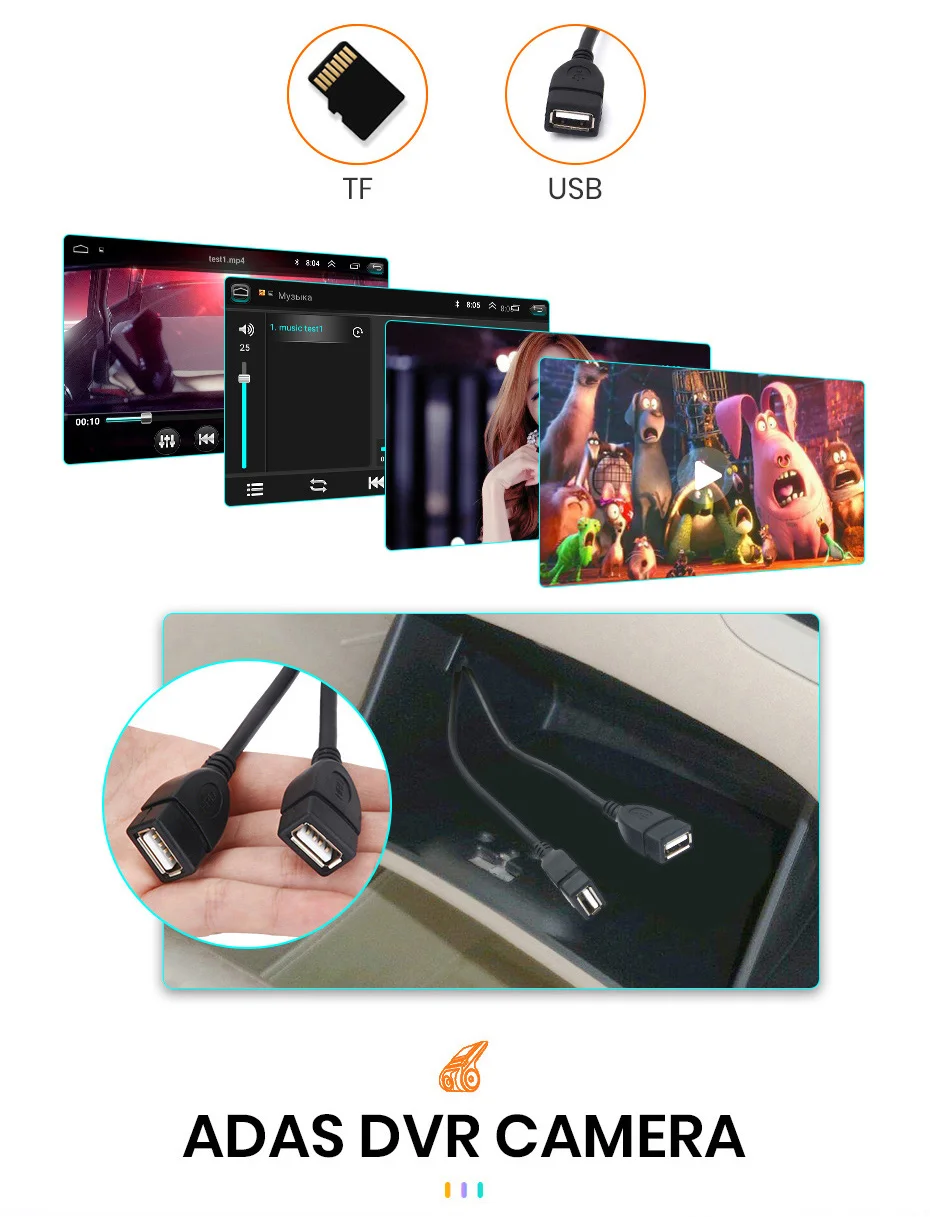
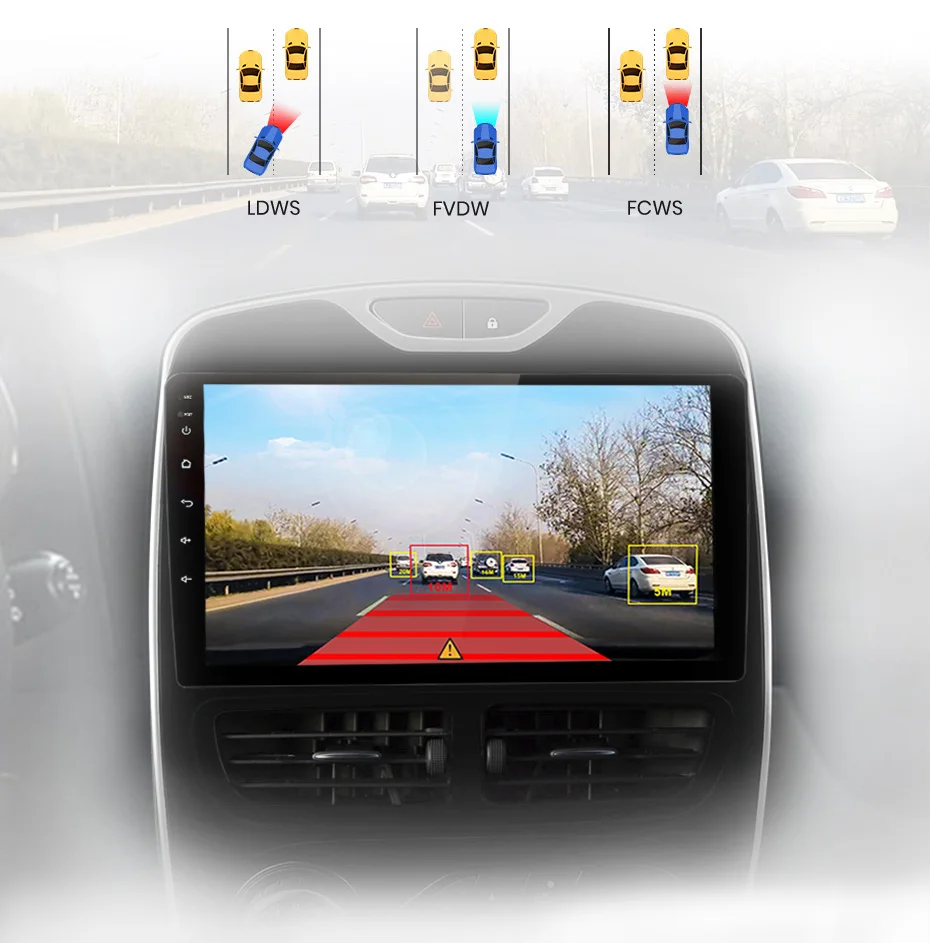
Promotes Safe Driving ADAS System Distance warning
lane departure warning
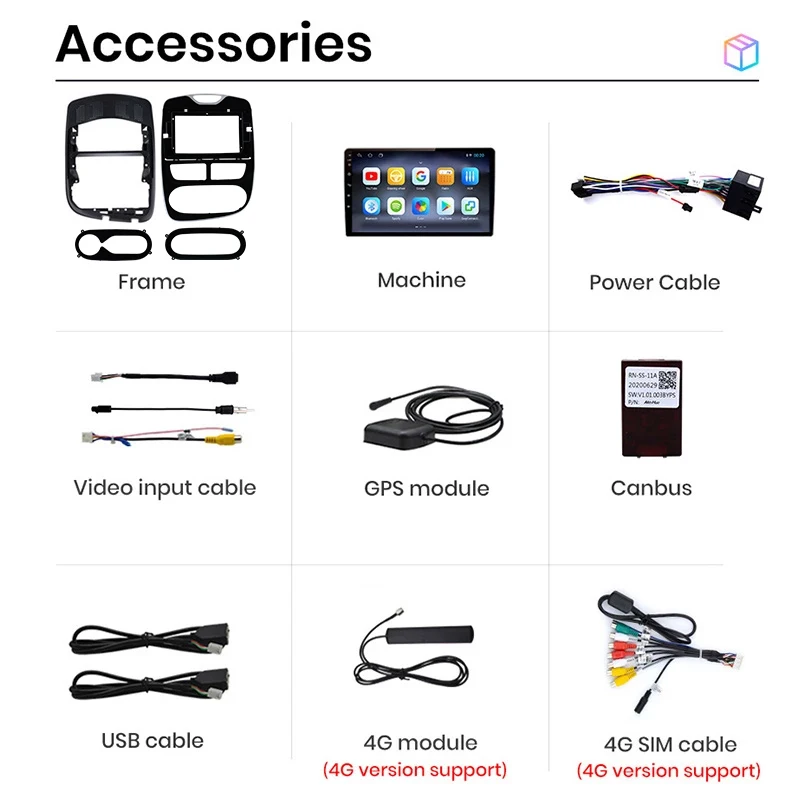

Warm and important tips:
1). The device need to search satellite success first time, then it will update time,
2). Please understand that the system and preinstalled apps will take part memory; if install Russia map will take about 3GB; if install Europe map, system will take about 7GB;
1. How to use Carplay and Android Auto?
Carplay :
Both of them are wired, and only can be connected with the 4Pin (with 4 small hole ) USB port, then click the APP ""Phonelink"" or ""Tlink"" in the radio;
Android Auto:
After purchasing the activation code, the customer service staff will send you the operation method and the activation code
2. How to set steering wheel controls?
1) If there is no canbus, please follow the steps below
①1+16GB:Clik Settings Control icon,as the picture shows
https://ae01.alicdn.com/kf/Hdd515243bc65428b89fec0f2f27828ccc.jpg
②PX9:Clik Control icon,as the picture shows
https://ae01.alicdn.com/kf/H5d52012903cb4a58a6d8347cbb76d2efE.jpg
③PX9S:Settings→Car information→SWC ,as the picture shows
https://ae01.alicdn.com/kf/Hfcecbe6dbc0446d0bae293be583b65bft.jpg
2)if there is canbus in the package,please connect canbus first
(⚠Please note that the Canbus cable needs to be connected, not only to connect to Canbus, but also to connect to the back of the machine with another 8pin cable.)
then follow the steps below
①1+16GB:
Settings →factory→3368→Car Model→choose right car information→reboot
As the picture shows:
https://ae01.alicdn.com/kf/H6a1a227be2cf4e248dd1a0a5e274caf0F.jpg
②PX9:
Settings →system→Car Settings→8888→Model choose→choose right car information→reboot
As the picture shows:
https://ae01.alicdn.com/kf/He3da309960684f91b1ecbb192b7cde9c6.jpg
③PX9S:
Settings →car information→About device→⚙→8888 or 8878→can type→choose right car information→reboot
As the picture shows:
https://ae01.alicdn.com/kf/H4fd8c6c9f2fb4eeda50efaf2f9b87301i.jpg
3.How to change the Boot Logo ?
1+16GB: Click System Settings----Extended Settings----Enter the password 3368
PX9 and PX9S: Click System Settings----Factory Settings----Enter the password 8888
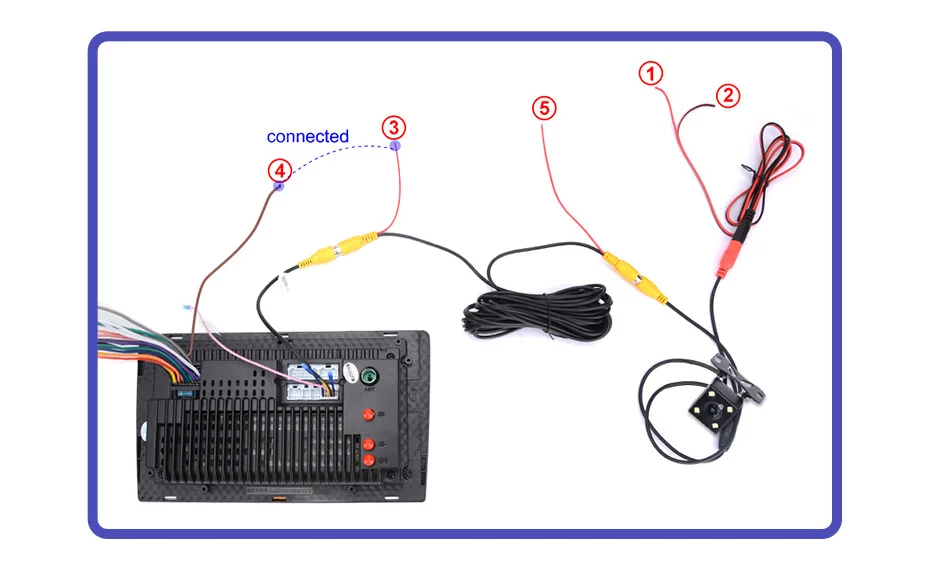
4.How to connect the rear camera ?
1)Red cable ① is connected to the backup light ""+""
2)black cable ② is connected to the backup light ""-""
3)The reversing detection cable ④(Brown color and pink)is connected to the red cable ③ which extending from the video input cable
4)⑤ cable does not need to be connected
Payment and Security
Your payment information is processed securely. We do not store credit card details nor have access to your credit card information.